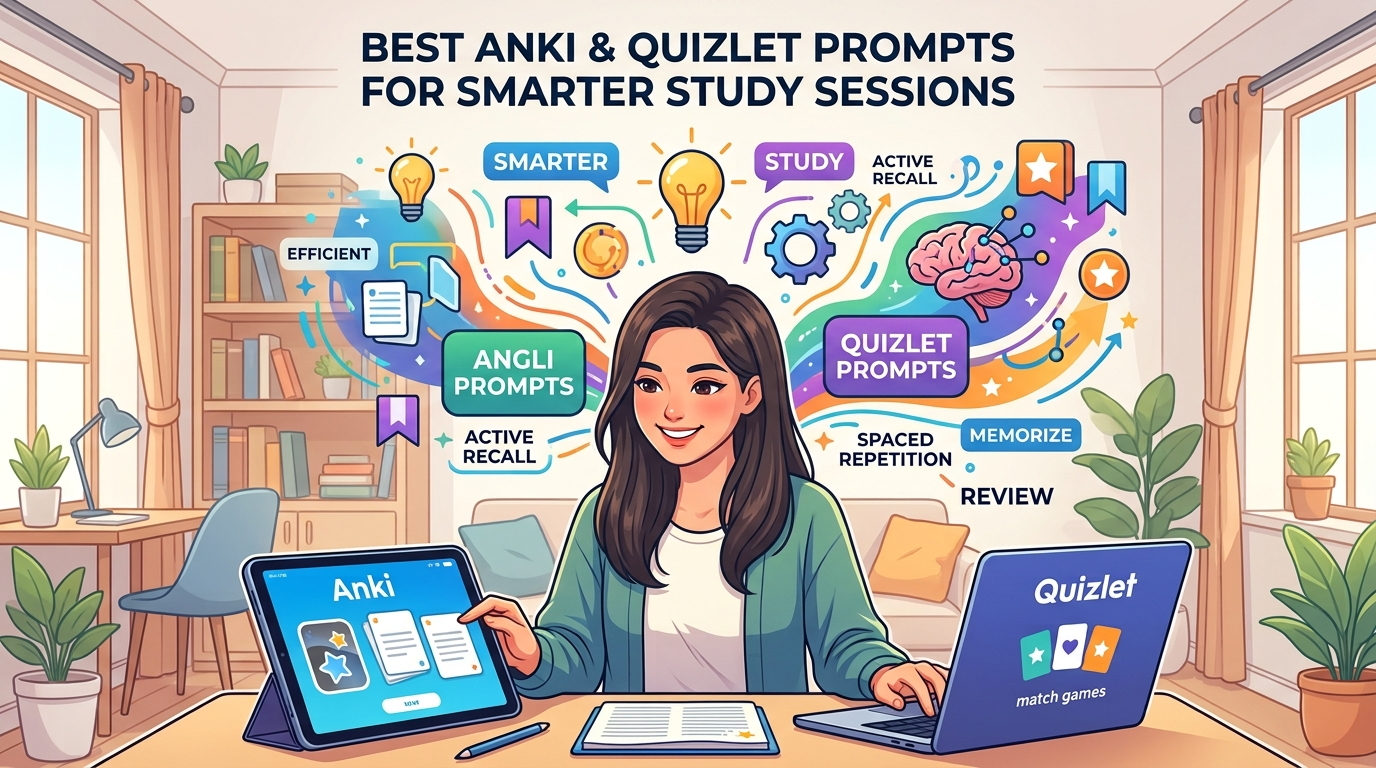
Best Anki and Quizlet Prompts for Smarter Study Sessions – Studying smarter means less time wasted and more facts remembered. Anki and Quizlet help many students reach that goal. Yet making good flashcards still takes work. AI tools change this. You can paste notes into ChatGPT, Claude, or Gemini. Then you get ready-to-use cards in seconds.
This guide shares the best prompts for both apps. Every prompt sits in its own code block. You can copy it right away. Sources come from 2025 and 2026 reviews of spaced repetition and AI study tools.
Why AI Prompts Make Study Sessions Smarter
Spaced repetition works. Anki uses a strong algorithm called FSRS. It shows cards just before you forget them. Quizlet offers quick games and shared sets. Both tools beat plain rereading.
However, creating cards by hand slows people down. AI removes that barrier. You feed it your notes. It builds atomic questions. Atomic means one fact per card. Short answers stick better.
Furthermore, good prompts keep cards clean. They avoid long paragraphs. They skip yes-or-no questions. As a result, you review faster and remember longer. Students who mix AI generation with Anki or Quizlet report higher retention in recent tests.
Anki Versus Quizlet: Quick Comparison
Here is a simple table that shows the main differences.
| Feature | Anki | Quizlet |
|---|---|---|
| Spaced repetition | Strong (FSRS algorithm) | Basic |
| Best for | Long-term memory | Quick review and games |
| Card creation | Manual or AI import | Built-in AI plus manual |
| Cost | Free on desktop and Android | Free basic, paid for full AI |
| Learning curve | Steeper | Easier |
| Shared decks | Large community | Huge library |
Choose Anki when you need lasting recall for months or years. Choose Quizlet when you want speed and fun modes. Many people use both. Generate with AI. Import to Anki for deep review. Use Quizlet for group practice.
Before using prompts, learn how both platforms work in our complete Anki and Quizlet guide.
Best AI Prompts for Anki Flashcards
Anki loves clean formats. Use semicolons or simple Front/Back lines. These prompts follow the minimum information principle. They create atomic cards.
Prompt 1: Basic Atomic Q&A Cards
Act as an expert educator. Analyze the provided text and isolate every fundamental factual statement. Generate a plain text dataset using semicolon-separated formatting (Front;Back). Every card must be strictly atomic — one question, one brief answer. No multi-line layouts, no numbered lists, no nested sentences. Output only the raw data with no preamble or headers.
Prompt 2: Cloze Deletion Cards for Anki
Convert the following notes into Anki Cloze deletion format. Use {{c1::deleted text}} for key terms. Create one deletion per card unless two facts are inseparable. Keep enough context so the sentence still makes sense. Output only the cloze sentences ready for Anki import. No extra text.
Prompt 3: Notes to Atomic Cards with Rules
Turn these notes into Anki flashcards following good card principles: one fact per card, atomic, short answers.
Rules:
- Each card tests ONE thing. Split anything compound into multiple cards.
– Phrase the front as a specific question, not a topic or “what about X.”
– Keep answers short – a few words where possible, never a paragraph.
– No yes/no questions.
Output as a clean list of Front / Back pairs I can paste straight in.
Prompt 4: Mixed Card Types for Deeper Learning
Create 20 Anki flashcards from the following material: [paste notes]. Format each card as: Front: [question] | Back: [answer]. Make questions specific and testable. Include a mix of definition cards, concept application cards, and comparison cards. Output in a simple list format I can copy into Anki.
Prompt 5: CSV-Ready with Tags
Make 30 flashcards as CSV with columns Front;Back;Tag from the content below. Keep answers under 20 words. Use hierarchical tags like Subject::Topic. Output only the raw CSV lines with no headers or explanations.
Best AI Prompts for Quizlet Study Sets
Quizlet works well with term-definition pairs. It also supports games and practice tests. These prompts create sets you can paste or import easily.
Prompt 6: Quick Term-Definition Set
Create 25 flashcards on [topic]. Each card tests exactly one thing. Format: question → short answer. 30% conceptual (why/how), 50% definitions/facts, 20% application. Output as a table: Front | Back | Tag.
Prompt 7: Magic Notes Style Generator
Take this study material: [paste notes]. Create 20 flashcards with questions on one side and answers on the other for spaced repetition review. Keep questions clear and answers concise. Output only the pairs ready for Quizlet.
Prompt 8: Active Recall Quiz Cards
Generate 20 active-recall questions with concise answers from these notes. Mix Bloom’s levels. Input: [paste]. Format each as Term: [question] Definition: [answer].
Prompt 9: Comparison and Application Cards
Create flashcards from the following notes. Include definition cards, comparison cards (how does X differ from Y?), and application cards (how would you use this?). Format as Front;Back. Keep everything atomic and short.
Prompt 10: Full Study Set with Practice Questions
Convert the following notes into a Quizlet-ready set. Generate between 30 and 50 flashcards categorized by type: definitions, processes, comparisons and relationships. Also create 15 quiz questions with answers. Output the flashcards first as Front;Back;Category then the quiz questions.
How to Use These Prompts in Real Study Sessions
First, gather your notes or textbook pages. Next, pick the right prompt. Paste the material where the prompt asks for it. Then copy the AI output.
For Anki, save the text as a .txt or .csv file. Go to File → Import. Map the columns to Front and Back. For Quizlet, create a new set and paste the pairs directly.
Additionally, review the cards yourself. AI can make small errors. Fix any wrong facts right away. After that, start your daily reviews. Anki will schedule them. Quizlet Learn mode will adapt within the session.
Moreover, combine tools. Generate a large deck with AI. Import the best cards into Anki for long-term work. Keep a smaller set in Quizlet for quick games with friends.
Extra Tips for Smarter Sessions
Keep sessions short. Fifteen to thirty minutes works better than long cram blocks. Interleave topics instead of studying one subject for hours.
Furthermore, use the card doctor idea when cards feel hard. Ask AI to rewrite weak cards. Test yourself without looking. Active recall beats passive reading every time.
As a result, you spend less time creating materials and more time learning. Recent 2026 guides confirm that AI-plus-Anki workflows cut total study hours while raising retention rates.
Using better prompts can contribute to faster study results with Anki and Quizlet.
Final Thoughts
Good prompts turn AI into a flashcard factory. The ten prompts above are ready to copy and paste. They follow proven rules: one fact per card, short answers, clear questions.
Start with one prompt today. Paste a page of notes. Import the cards. Review them. You will see the difference in your next study session. Anki and Quizlet become even more powerful when AI handles the busy work. Study smarter, not harder, and keep the knowledge for the long run.