
10 ChatGPT Prompts to Turn YouTube Videos Into Blogs 2026 – Want more traffic from your videos? Then turn them into blogs. This works great in 2026. First, people still search Google. Next, blogs rank well. Also, you reach readers who skip video.
ChatGPT makes this easy. You take a transcript. Then you feed it a strong prompt. After that, you edit a bit. Finally, you publish. The result is fresh content. It saves hours of work.
Why this helps in 2026
Video content keeps growing. Yet many viewers prefer text. Therefore, blogs fill that gap. In addition, search engines love long-form posts. Also, you can add links and images. As a result, one video becomes two assets. Many creators already do this.
First get the transcript
Open your YouTube video. Next, click the three dots. Then choose “Show transcript.” After that, copy the text. Remove the time stamps if you want. Now you are ready for ChatGPT.
Here are 10 ready-to-use prompts. Copy one. Paste your transcript after it. Then press enter.
1. Full SEO Blog Post Prompt
“Turn this YouTube transcript into a 1200-word SEO blog post. Use short sentences. Add clear H2 headings. Include a strong intro and conclusion. Write in a friendly tone. Optimize for the main keyword [insert keyword]. Keep the original meaning.”
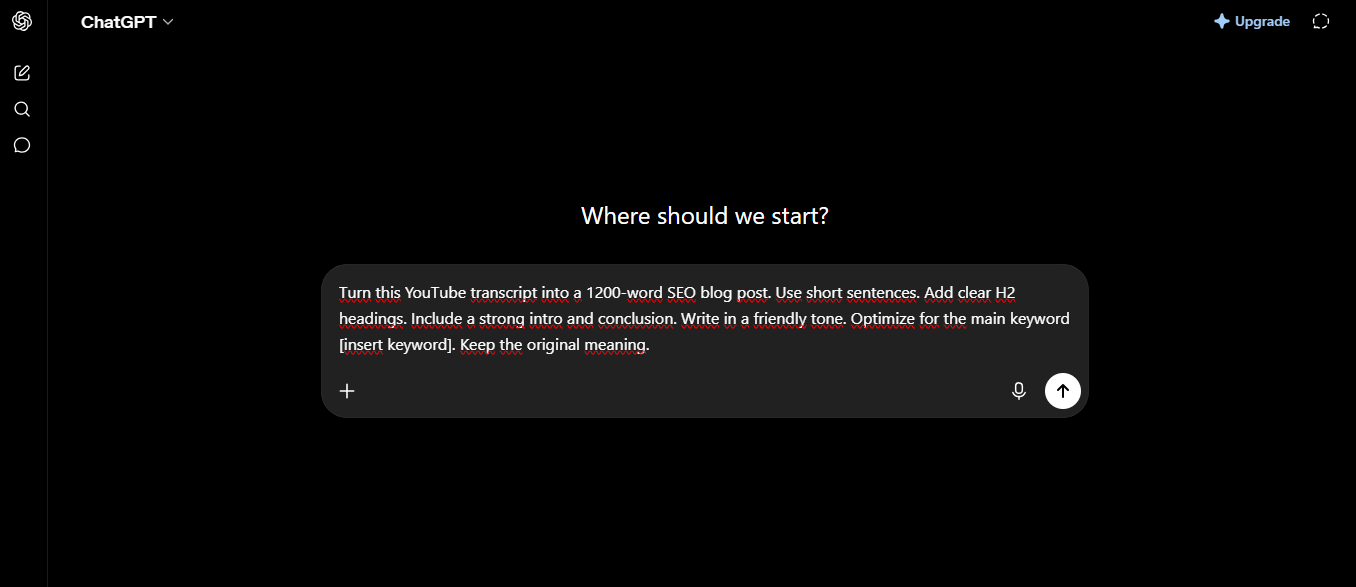
This prompt builds a complete post. First it organizes ideas. Next it adds structure. Therefore the output is ready to edit.
2. Outline First Prompt
“Create a detailed blog outline from this YouTube transcript. Use Markdown. List H2 and H3 headings. Add three key points under each. Suggest a title and meta description under 160 characters.”
Start here for long videos. Then ask ChatGPT to expand each section. As a result, the final post stays focused.
3. Step-by-Step Tutorial Prompt
“Rewrite this transcript as a clear how-to blog post. Number every step. Use short paragraphs. Add tips after each step. End with a quick summary and call to action.”
Tutorial videos shine with this. First the steps become easy to follow. Next readers can scan fast. Also the post ranks for “how to” searches.
4. Humanized Voice Prompt
“Rewrite this YouTube transcript as a natural blog post. Sound like a real person. Use simple words. Keep sentences under 15 words. Remove filler words and ‘um’ sounds. Add a short intro and conclusion.”
AI text can feel stiff. Therefore this prompt fixes that. The result reads smooth and human.
5. FAQ-Focused Prompt
“Turn this transcript into a blog post with five FAQs at the end. Answer each question in two short sentences. Use H2 for the main sections and H3 for the FAQs. Suggest three title options.”
Google loves FAQ sections. First they help featured snippets. Next they answer reader questions. Also they boost time on page.
6. List-Style Prompt
“Convert this transcript into a listicle blog post. Create 7–10 clear points. Start each with a bold subheading. Add one example under every point. Keep the tone helpful and direct.”
Lists work well for tips or tools videos. Therefore readers stay engaged. In addition, the format is easy to scan.
7. SEO Title and Meta Prompt
“From this transcript, write five SEO-friendly blog titles under 60 characters. Then write one meta description under 155 characters. Focus on the main topic and a benefit for the reader.”
Good titles raise clicks. Next the meta description wins the search result. Use these before you write the full post.
8. Short Summary Blog Prompt
“Summarize this YouTube transcript into a 600-word blog post. Keep only the key ideas. Use three H2 headings. Write short paragraphs. End with three takeaways.”
Some videos run long. Therefore a shorter post is better. It still captures value. Also it ranks for related searches.
9. HTML-Ready Prompt
“Rewrite this transcript as a complete blog post. Then format the whole answer in clean HTML. Use proper heading tags, paragraphs, and bullet lists. Make it ready to paste into WordPress.”
This saves formatting time. First you get the content. Next you get the code. Finally you paste and publish.
10. Multi-Section Expand Prompt
“Break this transcript into five blog sections. Write each section in 150–200 words. Use short sentences. Add a transition sentence between sections. Include one internal link suggestion in the conclusion.”
Long videos need structure. Therefore this prompt creates clear parts. Then you can expand any section further. The final piece feels complete.
How to use the prompts well
First paste the full transcript. Next add your target keyword. Then choose the right length. After ChatGPT replies, read every line. Edit for your voice. Also add screenshots from the video. Finally insert the original YouTube embed.
Check for accuracy. AI can miss small details. Therefore you stay in control. In addition, run a quick SEO check with free tools.
Extra tips for 2026 success
Pick evergreen videos first. Tutorial and how-to content convert best. Also target real search terms. Next update old posts when needed. As a result, traffic grows over time.
Many free tools now help too. Yet ChatGPT still gives full control. You decide the tone and depth.
Final thoughts
You already made the video. Now turn it into a blog. These ten prompts make the job simple. First copy a prompt. Next paste the transcript. Then edit and publish.
Start with one video this week. After that, build a system. Soon you will have more content and more traffic. The process is fast. The results last.