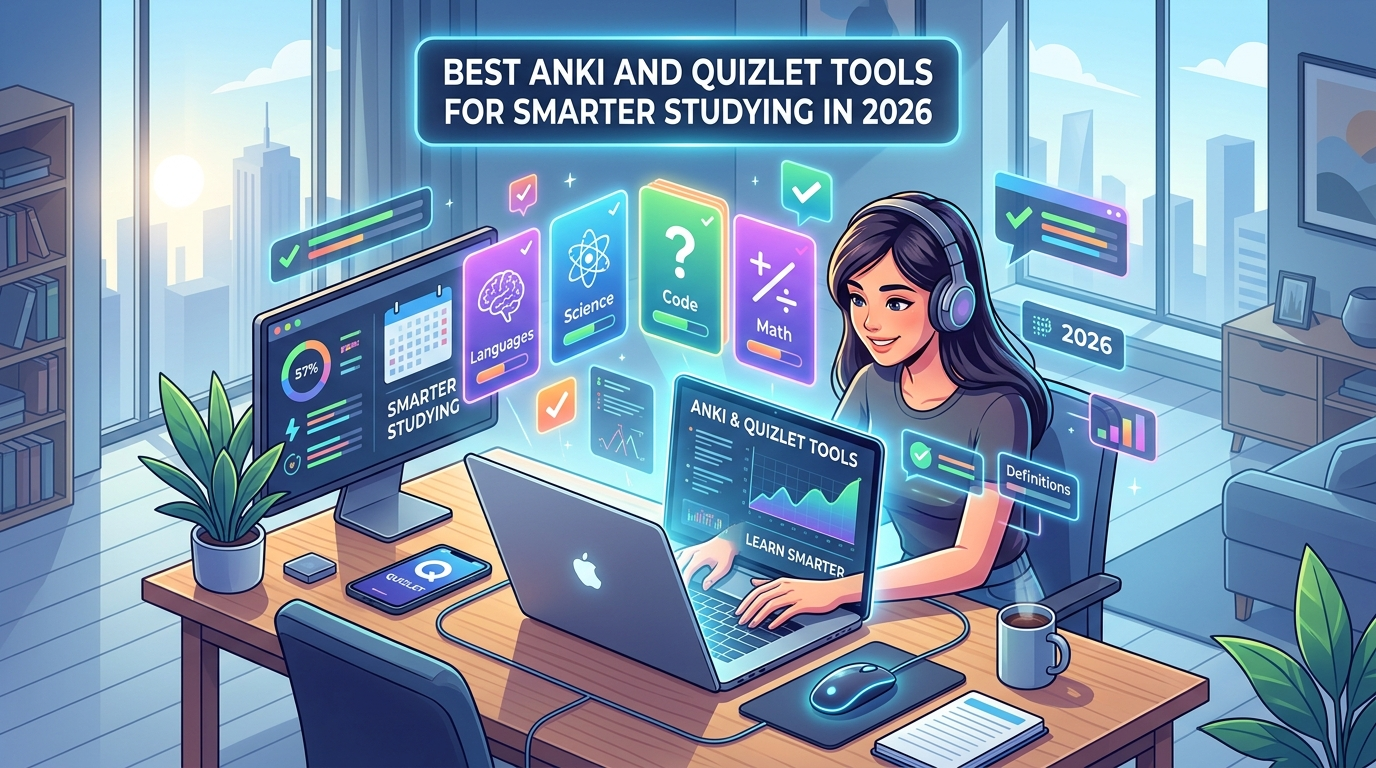
Best Anki and Quizlet Tools for Smarter Studying in 2026 – Studying feels hard sometimes. Yet the right tools make it easier. Anki and Quizlet still lead the way in 2026. They help you remember more with less effort. Moreover, new add-ons and features boost them further. Therefore, you can study smarter this year.
First, understand the basics. Anki uses spaced repetition. It shows cards right when you need them. As a result, facts stick longer. Quizlet offers easy sets and games. In addition, it works well for quick reviews. However, both get better with extra tools. So let’s look at the best ones now.
Top Anki Tools and Add-Ons in 2026
Anki starts strong on its own. Yet add-ons turn it into a powerhouse. Many students install these right away.
Start with FSRS4Anki Helper. This tool controls the FSRS algorithm. FSRS beats older systems for better retention. Moreover, it optimizes your settings with one click. You can also reschedule cards easily. Therefore, reviews feel fairer. Code 759844606 makes it simple to add.
Next comes Image Occlusion Enhanced. Cover parts of pictures. Then test yourself on the hidden spots. This works great for anatomy or diagrams. In addition, it creates many cards from one image. So medical students love it. Code 1374772155 gets you started.
AnkiConnect ranks high too. It links Anki to other apps. For example, browser tools send cards straight in. As a result, you save time typing. Code 2055492159 is the key one.
Review Heatmap keeps you motivated. It shows a colorful map of your study days. Like a streak tracker. Therefore, you stay consistent. Many users check it every morning.
HyperTTS adds speech to cards. It turns text into clear audio. This helps language learners a lot. Moreover, free options exist now. In addition, tools like Edge TTS or Super Free TTS work well.
For AI help, try Smart Notes or Omnia. These write cards or add images. You can also use Anki MCP Server. It lets AI like Claude talk to your decks. Ask it to make cards or quiz you. As a result, setup feels faster.
SynapsePro gives a full modern look. It adds dashboards and study plans. You set exam dates. Then it helps organize everything. Moreover, AI options build plans for you. So focus stays high.
Language learners gain from AnkiMorphs or FrequencyMan. These order cards by new words or common ones. HyperTTS pairs well here too. Therefore, vocabulary grows smoothly.
Browser tools help as well. Anki Dictionary lets you look up words. Then send them to Anki with context. Double-click and export. As a result, reading becomes active study.
Quizlet Strengths and Helpful Tools in 2026
Quizlet stays popular for groups. It has huge shared sets. Learn mode and Match games make practice fun. However, some advanced features need Plus.
AI tools now create cards from notes or PDFs. You upload material. Then Quizlet builds sets. In addition, practice tests appear. So exam prep speeds up.
For free options close to Quizlet, many try Knowt. It imports Quizlet sets fast. Learn mode stays free. Moreover, AI generates cards. Therefore, switch feels easy.
Other helpers exist. Some apps turn photos into cards. Others add stronger spaced repetition. Yet Quizlet itself works for short-term goals. Meanwhile, link it with Anki if needed. Export sets and import later.
Quick Comparison Table
Here is a simple look at key points:
| Tool | Best Feature | Cost | Ideal For |
|---|---|---|---|
| Anki + FSRS Helper | Smart scheduling | Free (mostly) | Long-term memory |
| Anki + Image Occlusion | Visual learning | Free | Science and med |
| Anki + HyperTTS | Audio cards | Free options | Languages |
| Quizlet | Easy shared sets | Free with limits | Quick class review |
| Knowt | Free Learn mode | Free tier strong | Quizlet switchers |
This table shows clear differences. Anki tools win for depth. Quizlet tools win for speed and sharing.
How These Tools Make Studying Smarter
Spaced repetition forms the core. Anki’s FSRS adjusts to your memory. Cards you know well wait longer. Hard ones return sooner. As a result, time spent stays efficient. Studies support this approach for better scores.
Quizlet tools focus on variety. Games and modes keep interest high. In addition, social sets let friends share work. Therefore, group study thrives.
Combine them when possible. Make cards in Quizlet. Then move strong ones to Anki. Or use AI to generate both ways. For example, upload notes once. Get cards ready fast. Moreover, heatmaps and plans track progress. So you see gains clearly.
Start small. Install two or three Anki add-ons first. Test them for a week. Then add more if needed. Meanwhile, explore Quizlet’s AI features. Adjust based on your subjects. Medical students lean on occlusion tools. Language learners pick audio and morph tools. High schoolers may stay with Quizlet sets.
Tips for Best Results in 2026
Keep cards simple. One fact per card works best. Add images or audio when useful. Review daily even if short. Consistency beats long sessions. Furthermore, check stats often. Fix leeches that keep failing.
Stay updated. Anki add-ons change with versions. Check AnkiWeb for new ones. Quizlet improves AI regularly. Therefore, revisit tools every few months.
Privacy matters too. Use trusted sources only. Download add-ons from official places. As a result, your data stays safe.
Before choosing additional tools, learn the basics with our Anki and Quizlet beginner guide.
Final Thoughts
Anki and Quizlet tools make studying smarter in 2026. FSRS helpers, image tools, TTS, and AI options raise Anki high. Quizlet and close apps like Knowt handle easy starts and sharing. Together they cover short and long goals.
Pick what fits your needs. Try the essentials first. Then build from there. You will remember more and stress less. Start today and see the difference soon.