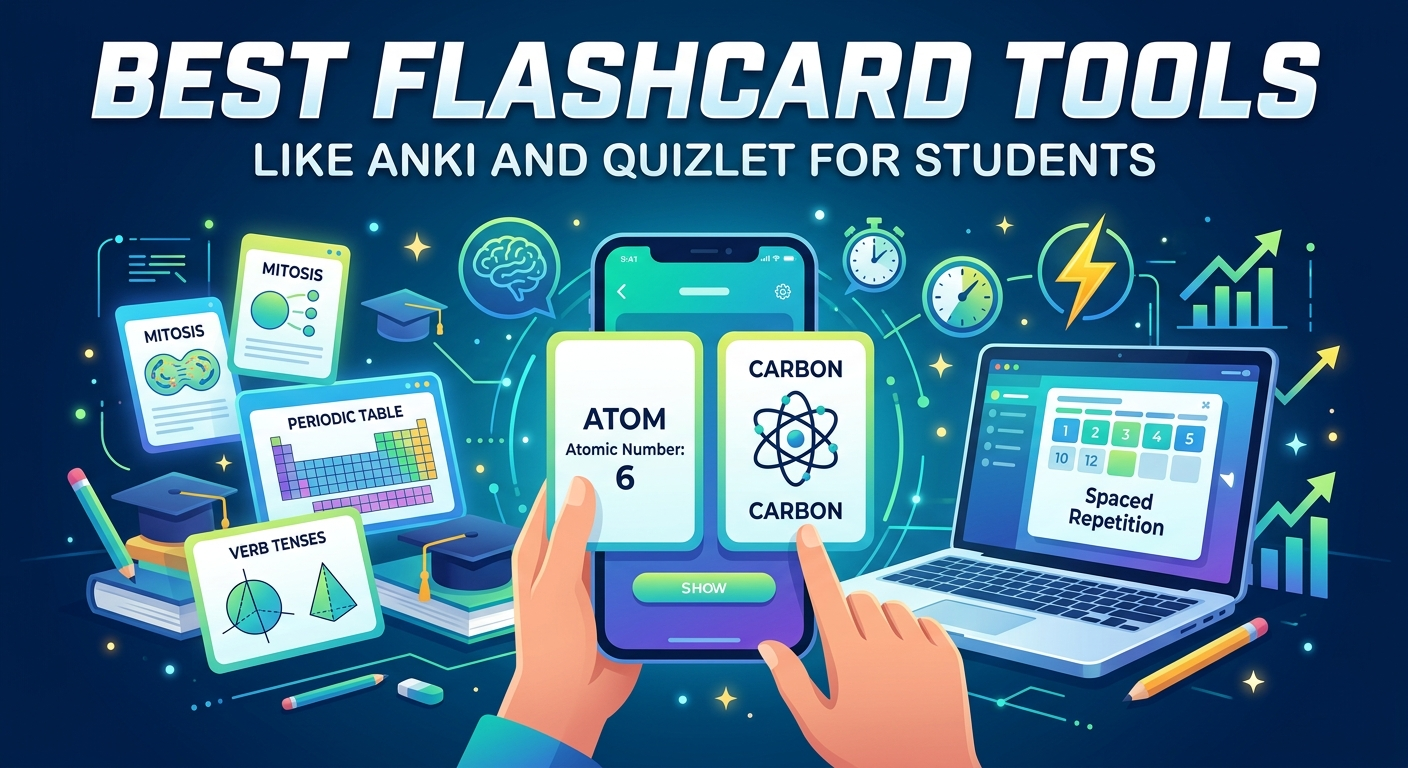
Best Flashcard Tools Like Anki and Quizlet for Students – Students need strong tools to remember facts. Flashcards help a lot. They use active recall and spaced repetition. These methods work well for tests and long-term memory.
Anki and Quizlet lead the pack. Yet many other apps offer similar or better features in 2026. This guide looks at the best options. It uses recent comparisons from trusted sources. You will find clear tables and simple tips. Then you can pick the right tool fast.
Why Flashcards Still Work So Well
First, flashcards force your brain to pull out information. This strengthens memory better than rereading notes. Next, spaced repetition shows cards just before you forget them. As a result, you study less but remember more.
Moreover, modern apps add AI. They turn PDFs or notes into cards quickly. In addition, many stay free or low-cost. Therefore, every student can use them.
Quick Comparison Table of Top Flashcard Tools
Here is a clear side-by-side look at leading tools in 2026. Prices and features come from recent checks.
| Tool | Best For | Free Tier | Spaced Repetition | AI Card Creation | Platforms |
|---|---|---|---|---|---|
| Anki | Power users, med students | Full (except iOS one-time) | Excellent (FSRS) | Via add-ons | Desktop, mobile, web |
| Quizlet | Pre-made decks, groups | Limited with ads | Basic | Paid mainly | Web, mobile |
| Knowt | Free Quizlet alternative | Generous | Yes | Yes | Web, mobile |
| RemNote | Notes + cards together | Solid free tier | Yes | Yes (limits) | Desktop, mobile, web |
| Brainscape | Certified decks, exams | Limited | Confidence-based | Limited | Web, mobile |
This table shows key differences at a glance. Now let’s look closer at each one.
Anki: The Gold Standard for Serious Study
Anki remains the top free power tool. It runs fully free on desktop, Android, and web. The iOS app costs about $25 one time. Its algorithm ranks among the best. Many medical students and language learners rely on it.
Furthermore, you can add thousands of shared decks. You also get full control over cards. However, the interface feels old. The learning curve is steep at first. Still, once you learn it, results stay strong for months.
In short, choose Anki if you want maximum long-term retention and free use on most devices.
Quizlet: Easy Start with Huge Libraries
Quizlet shines for beginners and group study. It holds millions of ready-made sets. You can search almost any subject or textbook. Study modes include cards, games, and tests.
On the other hand, the free version has limits and ads. Advanced Learn mode and AI need a paid plan. Prices sit around $36 per year. Therefore, it works best for quick reviews or classroom sharing.
Also, many students start here. Then they move to stronger tools later.
Knowt: The Strong Free Quizlet Replacement
Knowt fills the gap left by Quizlet’s limits. It offers a generous free tier. You get AI card generation from notes or videos. Spaced repetition comes built in. Plus, you can import Quizlet sets in one click.
As a result, it feels familiar yet freer. Paid plans stay low if you need more. In addition, the design stays clean and modern. So, many students switch to Knowt for everyday use.
RemNote: Notes and Flashcards in One Place
RemNote links notes and cards tightly. You write notes in outline form. Then the app creates flashcards automatically. Spaced repetition works well too.
Moreover, it suits university students who take lots of notes. The free tier covers most needs. Paid plans unlock extra AI and features. However, it can feel complex at the start. Still, once set up, it saves time.
Brainscape: Confidence-Based Learning for Exams
Brainscape uses a confidence rating system. You rate how sure you feel on each card. The app then adjusts review times. It also offers certified decks for professional tests.
The free tier lets you make your own cards. Pro plans cost about $8 per month. Therefore, it fits people who study for certifications or prefer guided content. In contrast, it has fewer community decks than Anki or Quizlet.
Second Comparison: Key Features at a Glance
For extra clarity, here is another simple table focused on daily student needs.
| Feature | Anki | Quizlet | Knowt | RemNote | Brainscape |
|---|---|---|---|---|---|
| Offline Use | Strong | Limited | Partial | Partial | Partial |
| Community Decks | Huge | Massive | Growing | Small | Certified |
| Ease of Start | Hard | Easy | Easy | Medium | Easy |
| Best Price Value | Excellent | Good | Excellent | Good | Fair |
These points help you match a tool to your style.
How to Choose the Right Tool for You
First, ask what matters most. If you need free power and long memory, pick Anki. Next, if you want ready decks and simple use, try Quizlet or Knowt. Then, if notes and cards must stay together, choose RemNote. Finally, for exam confidence ratings, go with Brainscape.
Also, test the free versions. Most let you start in minutes. Moreover, many support mobile and desktop sync. So, you can study anywhere.
In addition, combine tools if needed. For example, make cards in Knowt and review in Anki. This way, you get the best of both.
If you’re deciding which platform to try, start with our Anki and Quizlet guide for beginners.
Tips for Better Results with Any Tool
Always create or edit cards yourself when possible. This deepens learning. Next, review a little every day. Consistency beats long sessions. Furthermore, add pictures or examples to hard cards. Finally, track what works and adjust.
Research shows spaced practice beats cramming. Therefore, stick with a good app for weeks. You will see clear gains.
Final Thoughts
Anki and Quizlet set high standards. Yet tools like Knowt, RemNote, and Brainscape give strong choices in 2026. Each fits different student needs. Use the tables above to compare fast. Then pick one and start today.
In the end, the best flashcard tool is the one you use daily. Start simple. Stay consistent. Your memory will thank you.