Best Study Tools to Use With Anki and Quizlet in 2026 Today – Anki and Quizlet help you learn with flashcards. Anki uses strong spaced repetition. Quizlet offers easy sets and games. Yet both work better with other tools. In 2026, smart pairings save time and boost memory.
First, you create cards faster. Next, you review with focus. Then, you track progress. Finally, you stay motivated. These steps matter for students today.
Many learners use AI tools with Anki and Quizlet. Research shows this mix can cut study time a lot. It also raises retention rates. Trusted sites in 2026 rank these helpers high.
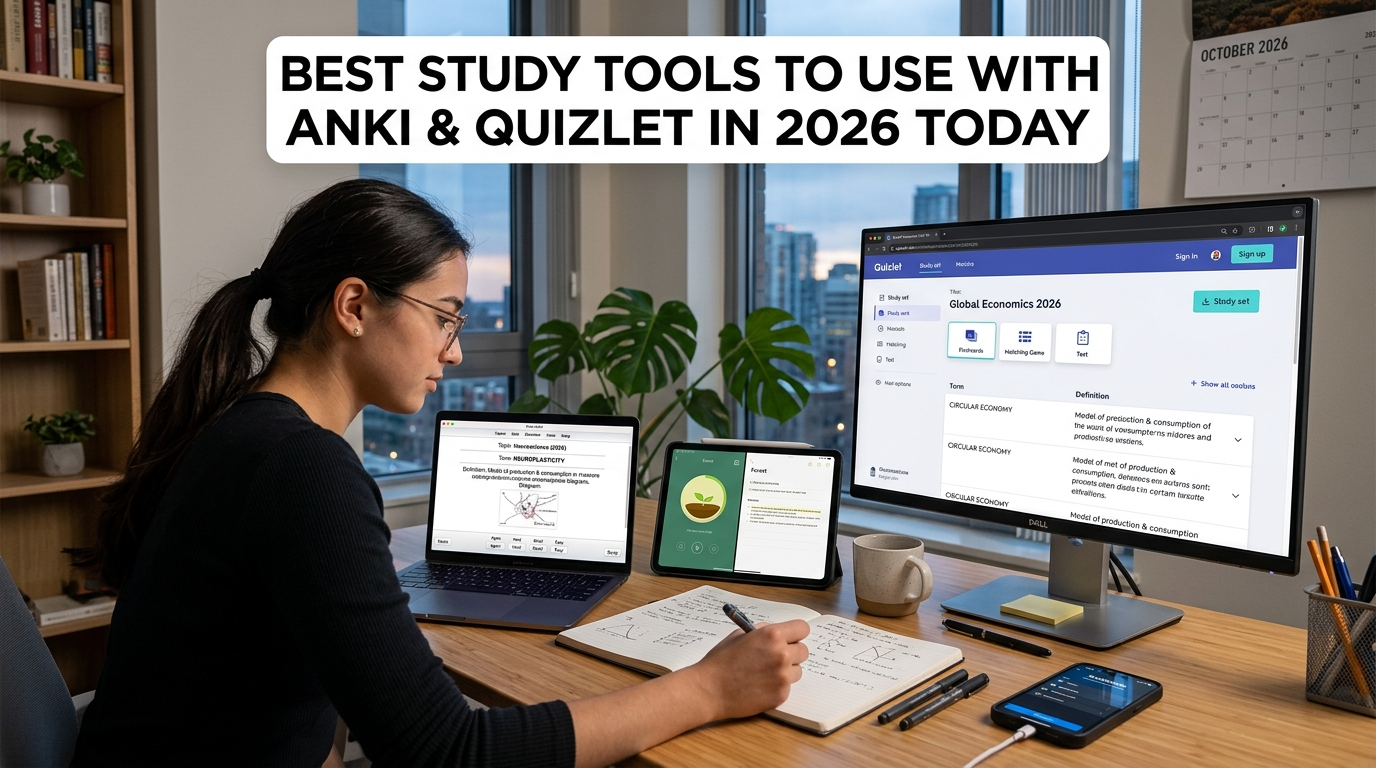
Why Pair Extra Tools With Anki and Quizlet
Anki needs manual cards or imports. Quizlet has big libraries but weaker long-term scheduling. So, extra tools fill the gaps.
AI generators turn PDFs or notes into cards. Note apps link ideas to flashcards. Focus apps protect review time. Together they form a full system.
Moreover, studies and reviews from 2026 confirm the gains. Students who mix tools remember more. They also waste less time.
Top Study Tools Compared
Here is a simple table of the best options for 2026. It shows key facts from recent comparisons.
| Tool | Best Use With Anki/Quizlet | Key Strength | Free Option? | Price Range (2026) |
|---|---|---|---|---|
| Scholarly / StudyCards AI | Card creation from PDFs/videos | Fast AI cards + Anki export | Limited | Free to $30/mo |
| RemNote | Notes + flashcards linked | Built-in spaced repetition | Yes | Free to $18/mo |
| Notion | Organizing all study material | All-in-one workspace | Yes | Free to paid plans |
| Knowt | Importing Quizlet sets | Free study modes + SRS | Generous | Free to ~$9/mo |
| NotebookLM | AI tutor from your sources | Explains and makes quizzes | Yes | Free |
| Focus To-Do | Timed review sessions | Pomodoro + task lists | Yes | Free to low cost |
This table uses data from 2026 reviews. It helps you pick fast.
Start with our recommendations for the best Anki and Quizlet tools.
1. AI Flashcard Generators: Create Cards in Minutes
Start with AI tools. They turn lectures or books into ready cards. Then you import them into Anki or Quizlet.
Scholarly and StudyCards AI rank high in 2026 tests. Upload a PDF. Get clean cards. Export as Anki package. Accuracy often hits 90% or more.
NoteGPT works well too. It needs no login for basic use. It handles YouTube videos as well. After that, you polish cards in Anki.
Coachingle and StudyGlen also shine. They give direct Anki files. So, you skip typing. This saves hours each week.
In short, AI tools solve the biggest Anki pain. Quizlet users can import sets too. As a result, you study more and create less.
2. RemNote: Notes and Cards in One Place
Next, try RemNote. It blends notes with flashcards. You write once. Cards appear automatically.
It supports spaced repetition like Anki. You can export if needed. Many 2026 guides call it balanced.
Because notes and cards stay linked, ideas connect better. This helps deep learning. If you like outlines, RemNote fits well.
3. Notion: Keep Everything Organized
Then use Notion. Store notes, schedules, and links there. It works as your main hub.
You can embed Quizlet sets or Anki stats. AI features help summarize. Gen Z students rate it top in 2026 lists.
Moreover, it tracks goals. So, your flashcard sessions stay on plan. Notion is free to start. Upgrade only if you need more.
4. Knowt: Easy Bridge From Quizlet
If you have many Quizlet sets, try Knowt. It imports them in one click. Then it adds better spaced repetition.
Knowt feels like old free Quizlet. Reviews in 2026 call it the closest match. You can still use Anki for hard material.
In addition, it offers free study modes. This keeps costs low.
5. NotebookLM and AI Tutors: Get Clear Explanations
After making cards, add an AI tutor. NotebookLM turns your files into a chat helper. It answers only from your material.
Perplexity helps with research. ChatGPT can refine cards. Use them before Anki reviews.
These tools clear confusion fast. Therefore, your flashcard time stays focused.
6. Focus Apps: Protect Your Review Time
Finally, protect focus. Focus To-Do and similar Pomodoro tools work great. Set 25-minute blocks for Anki or Quizlet.
They block distractions. They also log sessions. Simple timers raise consistency. Many top students pair them daily.
How to Build Your 2026 Study Stack
First, pick one AI generator. Create cards from class notes.
Second, import to Anki for serious retention. Or use Quizlet for quick games.
Third, store everything in Notion or RemNote.
Fourth, add focus timers.
Fifth, review daily with the AI tutor when stuck.
This flow is simple. Yet it covers creation, storage, focus, and recall.
Start small. Test two tools this week. Then add more. Track what sticks.
Tips for Best Results
Use short sessions. Space reviews as Anki suggests.
Export and backup often.
Mix active recall with AI help.
Stay consistent. Tools only work if you open them.
Conclusion
In 2026, Anki and Quizlet stay strong. But they shine brighter with helpers. AI generators speed card making. RemNote and Notion organize knowledge. Knowt bridges sets. Focus apps guard time. AI tutors clear doubts.
Together these tools raise efficiency. Students report better scores and less stress. Choose based on your needs. Start today. Your memory will thank you.
Trusted 2026 sources include detailed app comparisons from Scholarly, Lexie, EduGenius, and others. They test real features and prices. Always check current plans, as they can change.
This mix gives you a complete, modern study system. Use it well and learn more with less effort.